RANDSUM app
A dice roller for your home screen
Any notation, every step shown, and your last rolls kept. Install it on your phone and it rolls offline, no account and no network.
4d6L → 14 [6, 5, 3] dropped 11d20+5 → 172d8! → 11 exploded on 8The Roller moved to app.randsum.dev. Opening it now.
Built for the table
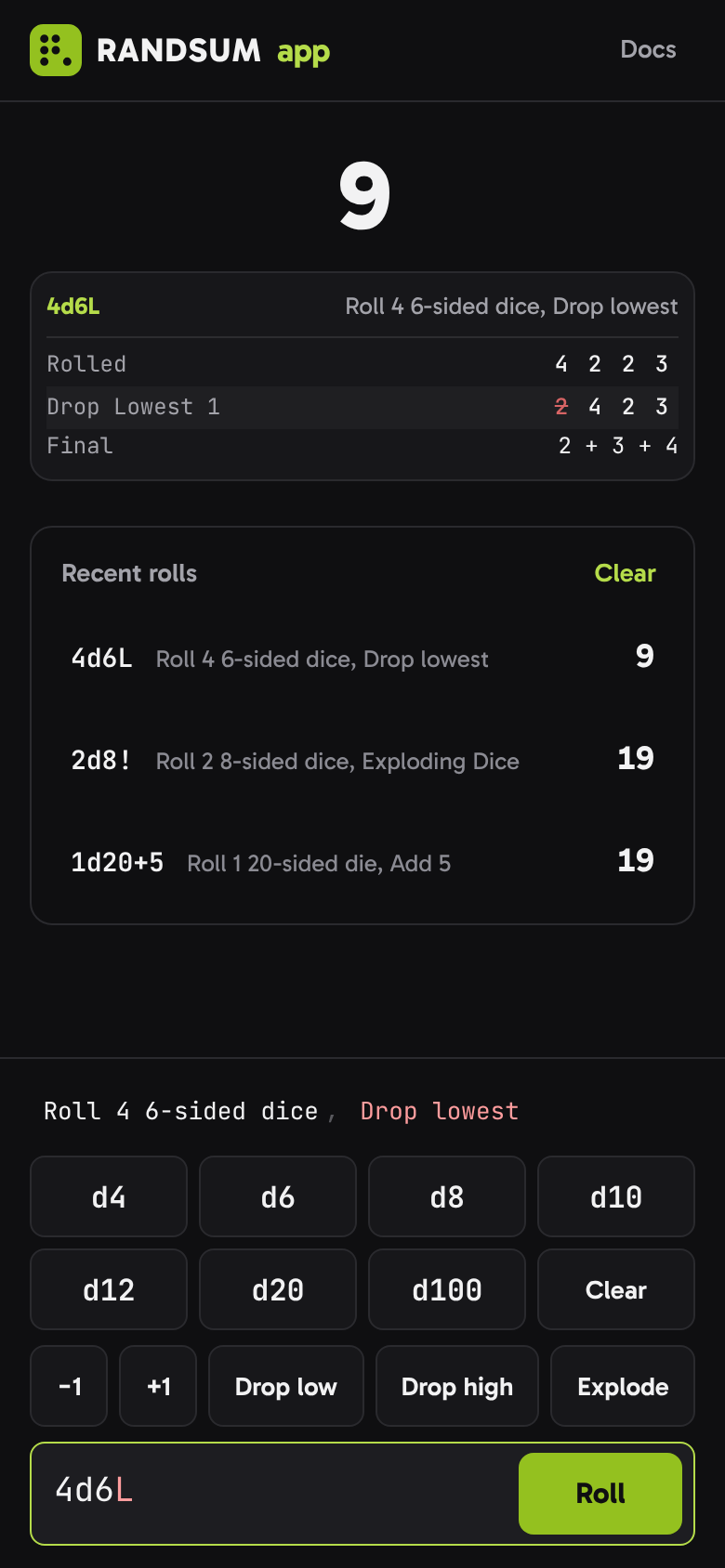
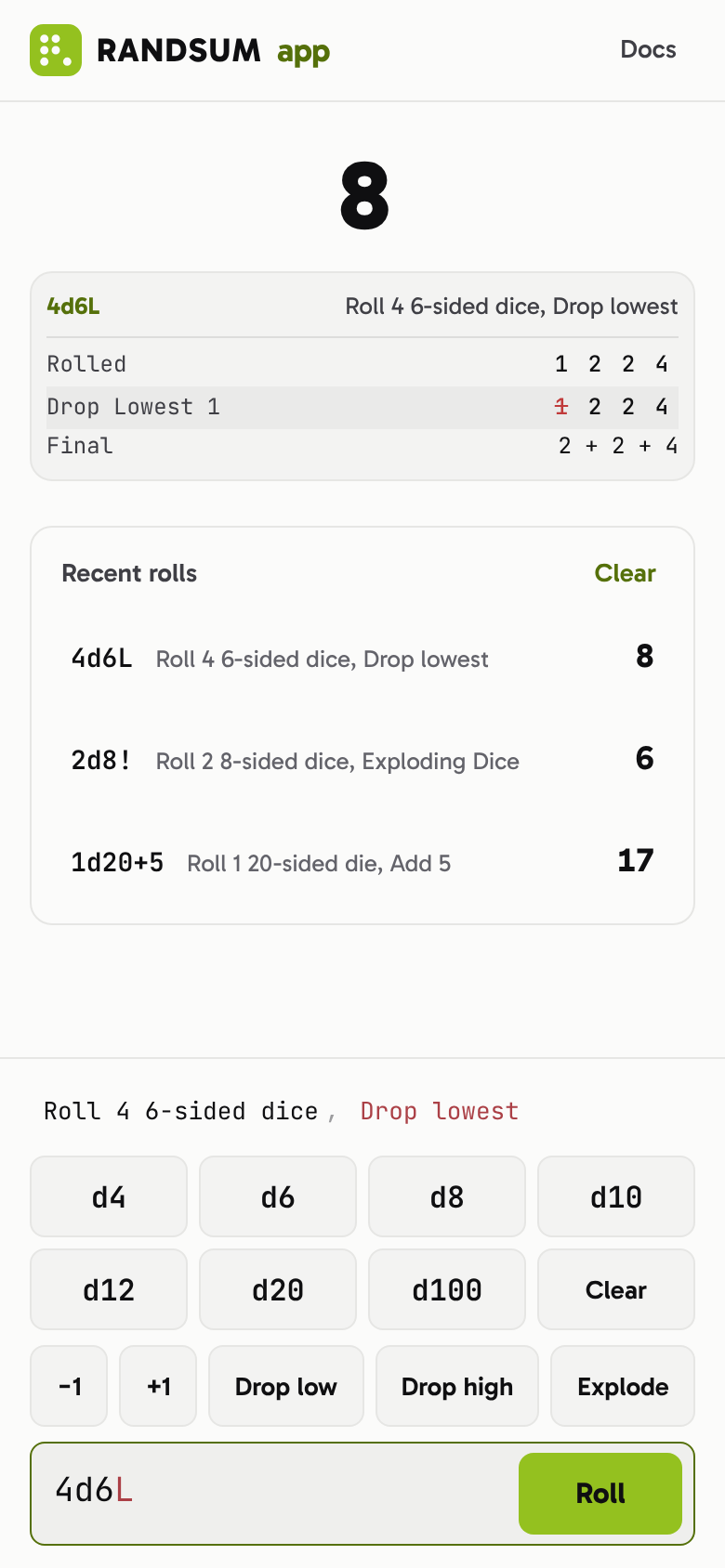
One screen: the roll you are building, its result step by step, and your last rolls.
What it does
Any dice notation
Type 4d6L, 1d20+5, 2d8!, 4dF or anything else in RANDSUM notation, and the roller checks it as you type.
Or just tap the dice
Dice keys build the roll for you: tap d20 twice for 2d20, then add a bonus, drop the lowest or explode.
Every step shown
See each die, what was rerolled, dropped or exploded, and how the total was reached.
Your recent rolls
The last rolls stay beside the roller, so you can check what you rolled or roll it again.
Rolls offline
Install it to your home screen and it keeps rolling at the table with no signal.
No account, no tracking
Nothing to sign up for. History stays on your device, and the app is free and open source.
Install it
The Roller is a web app. Install it once and it opens like any other app, offline too.
iPhone and iPad
Open the app in Safari, tap Share, then Add to Home Screen.
Android
Open the app in Chrome and tap Install app in its header, or Install app in the browser menu.
Desktop
In Chrome or Edge, click the install icon at the end of the address bar.
Powered by the RANDSUM roller
The app rolls with @randsum/roller, the same engine behind the API, the Discord bot and the plugin, so a roll means the same thing everywhere.
Start rolling
Free, in your browser, at app.randsum.dev. randsum.io gets you there too.